App Screen
The “cutting your bob” render screen
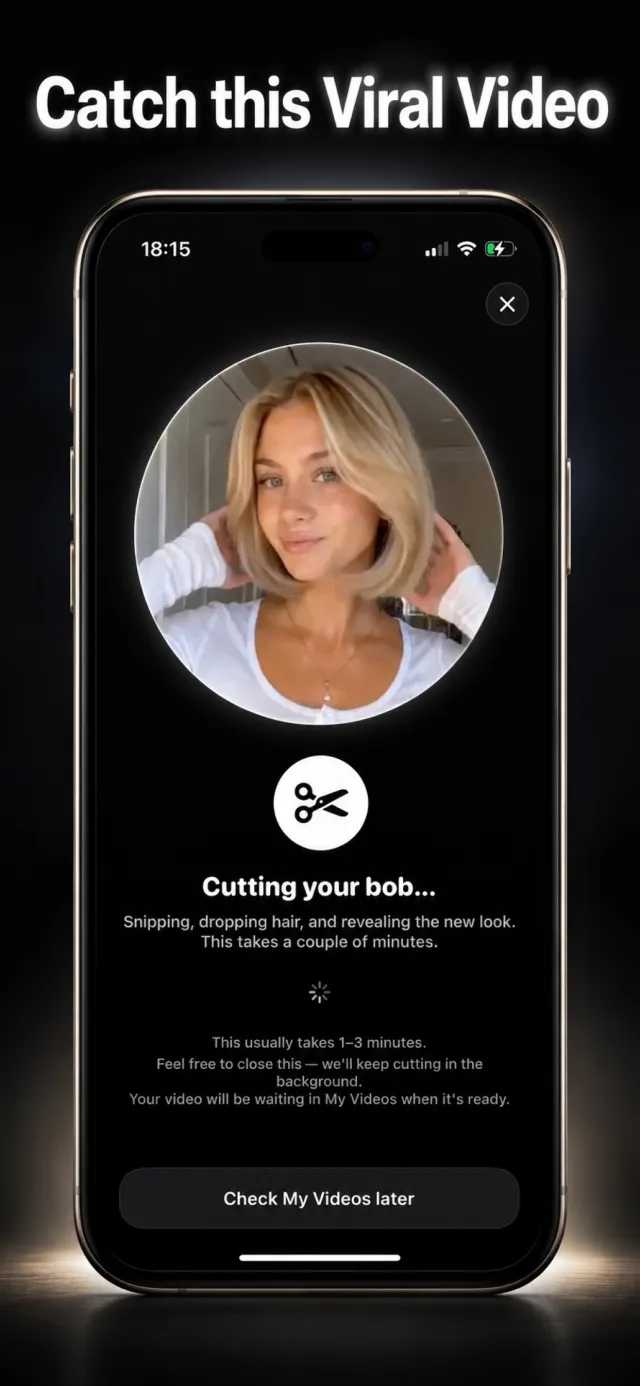
Video generation takes a few minutes, so Bob Haircut Filter shows this screen while it works. The circular preview at the top gives you a sense of the look that is coming, and the copy underneath explains that the cut is being rendered.
You do not have to sit and watch. The render continues in the background even if you leave the app or lock your phone, and the finished clip lands in the My Videos tab when it is ready.
Try it on your own photo
Bob Haircut Filter is free to download on the App Store.
← The bob reveal result screenThe home screen and photo picker →