AI Video, Explained
How AI Turns a Photo Into a Video
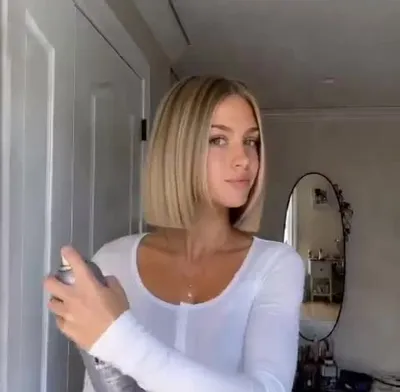
AI video models take a single image and generate a sequence of new frames that plausibly follow from it, guided by a text prompt describing what should happen.
It predicts frames, not edits them
The model is not cutting or warping your photo. It is generating entirely new images, one after another, that stay consistent with the first frame and each other.
The prompt sets the action
A written instruction — hands enter frame, cut the hair, reveal a bob — tells the model what motion to build. The photo tells it who the person is and what the scene looks like.
Consistency is the hard part
Keeping a face, background, and lighting stable across dozens of generated frames is what separates a convincing clip from a melting one, and it is why the models are large and slow.
FAQ
Does the app store my photo to do this?
Check the app's privacy policy. Bob Haircut Filter states that photos are used only to generate your video and are not used to train AI or kept on its servers.
Fake the bob before you commit to it
Bob Haircut Filter turns one photo into a viral haircut-reveal video in a few minutes. Free on the App Store.